RICOH360 Tours Help Center home page
    Contact us
  • Log in

[2.25.2021] Brand Banner

The following is an introduction to the features updated on 2.25.2021.

Brand Banner


By setting up a Brand Banner, you can brand your virtual tour with the image of your choice, company logo, image of yourself, etc. You can add a link to your banner that your clients can click to be redirected to a webpage of your choice.
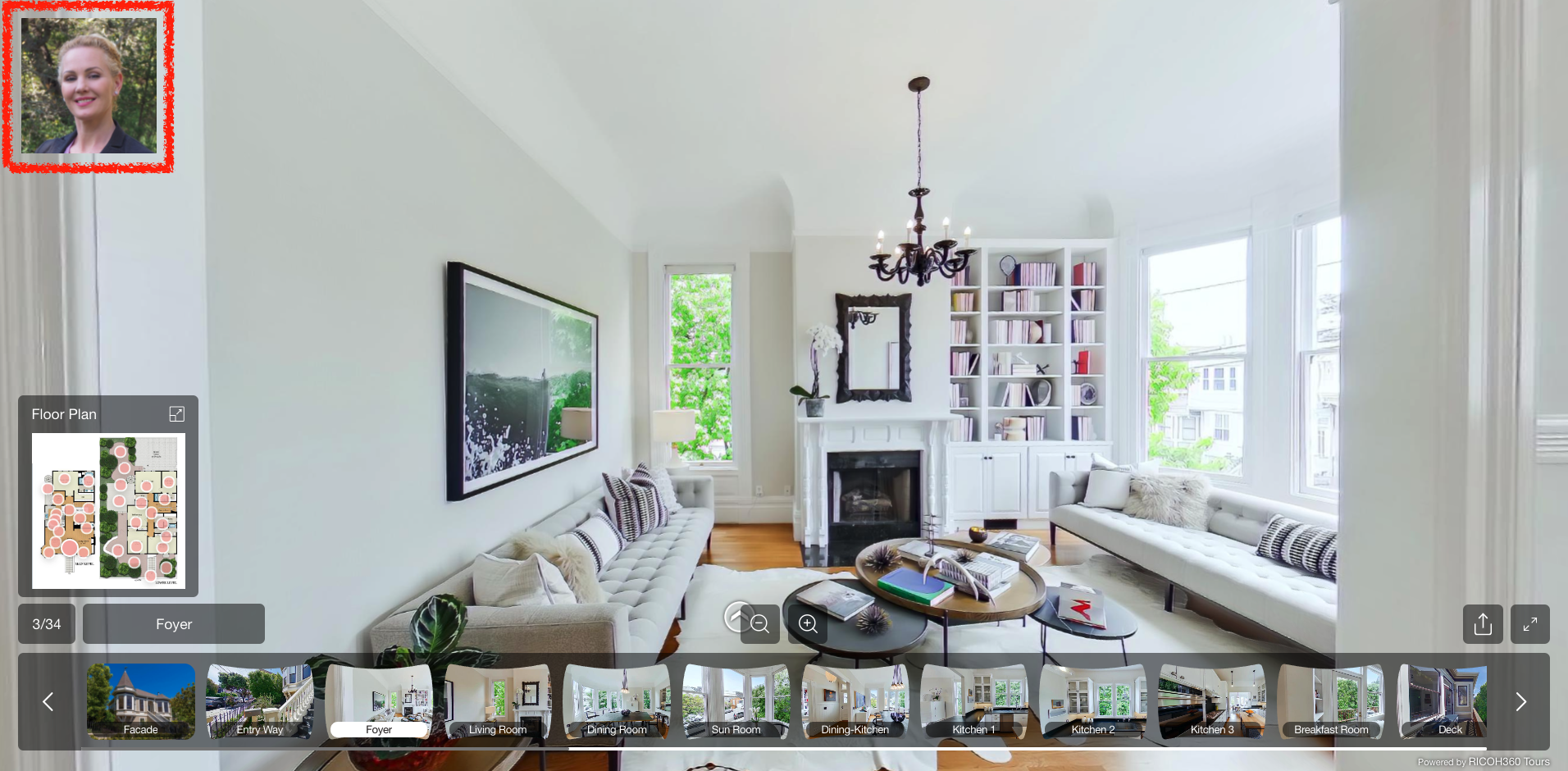

Brandbanner.png

Please click here to see how to set up a Brand Banner.

How to set up Brand Banner


Was this article helpful?

0 out of 0 found this helpful

Have more questions? Submit a request

Related articles

  • Creating and Setting Brand Banners
  • Change Credit Card and Billing Information
  • Edit Photo Name
  • [October 27, 2023] Issue occurred (recovered)
  • On July 12, Property introductions can now be automatically generated by ChatGPT.

Articles in this section

  • Regarding Changes to the Recommended Operating Environment for the Smartphone Version of RICOH360 Tours (Effective January 30, 2026)
  • [November 10, 2025] Incidents in Chrome 142
  • Important Notice: Changes to RICOH THETA Wireless LAN Password Specifications
  • Notice Regarding Compliance with the EU Data Act
  • As of August 27, 2025, RICOH360 has revised its Privacy Policy.
  • RICOH360 Tours Version Upgrade Information
  • On July 9, The AI Image Enhancement feature now automatically performs optimal image processing based on the scene.
  • RICOH360 Tours Terms of Use Revised
  • [April 4, 2024] RICOH360 Tours Important Service Notification
  • [April 1, 2024] Issue occurred(recovered)

See more

RICOH360 Tours
Español Français 日本語